


Funding your Spin Galaxy Casino account is fast, secure, and simple. Whether you prefer cards, e-wallets, bank transfers, or cryptocurrency, our cashier supports a range of payment methods designed for New Zealand players. This guide covers every step of the deposit process, available methods, limits, and tips for a smooth transaction.
Before You Deposit
To make a deposit, you’ll need an active Spin Galaxy Casino account. If you haven’t signed up yet, follow our registration guide to create and verify your account in minutes. Once your email is verified, you’re ready to fund your balance. For first-time depositors, we recommend checking the Promotions page for any welcome bonus you can claim alongside your deposit.
Step-by-Step Deposit Guide
Step 1: Log In to Your Account
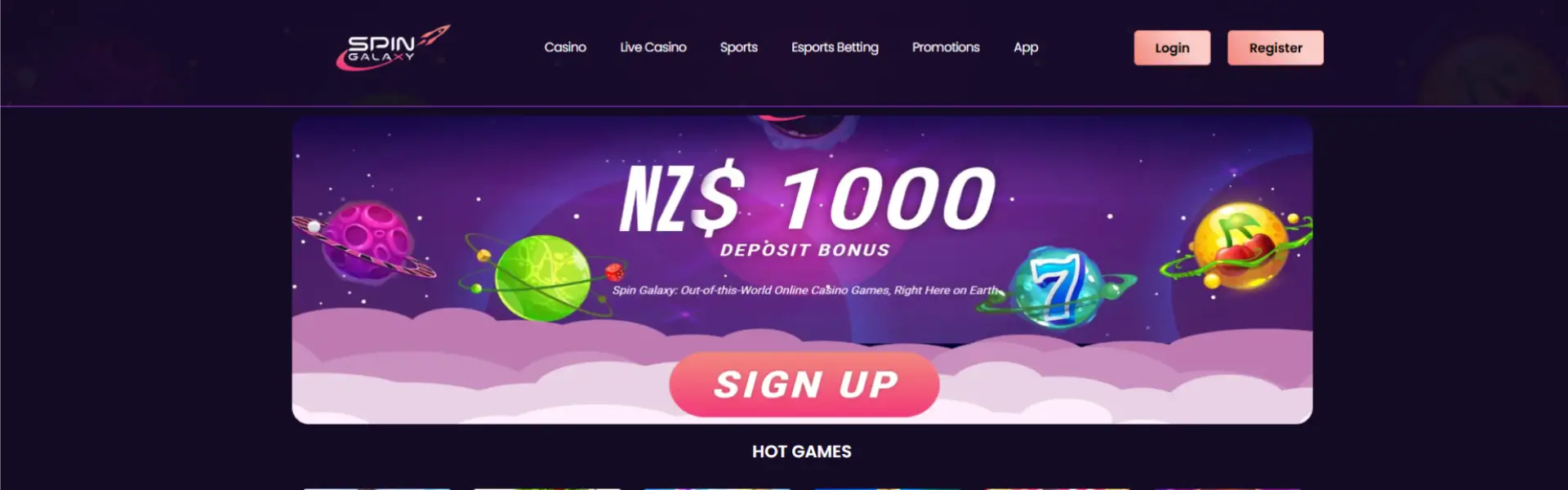
Visit the Spin Galaxy Casino homepage and click Login. Enter your registered email and password. You can also log in through our mobile app if you prefer playing on your phone or tablet.
Step 2: Open the Cashier
Once logged in, navigate to the cashier section. On desktop, you’ll find it in the top menu or account area. On mobile, tap the menu icon and select “Deposit” or “Cashier.” The cashier displays all available payment methods along with their minimum and maximum deposit limits.
Step 3: Choose Your Payment Method
Spin Galaxy Casino offers several deposit options for New Zealand players:
- Credit and Debit Cards – Visa and Mastercard are accepted for instant deposits. All card transactions are encrypted and processed through secure payment gateways.
- E-Wallets – PayPal, Skrill, Neteller, and ecoPayz provide fast deposits that are typically credited within seconds.
- Bank Transfers – Direct transfers from your New Zealand bank account are available. Processing may take one to three business days depending on your bank.
- Cryptocurrency – Bitcoin, Ethereum, and other major digital currencies are accepted, offering enhanced privacy and quick processing times.
- Prepaid Cards – Some prepaid options such as Paysafecard may be available depending on your location.
Select the method that suits you best and click on it to proceed.
Step 4: Enter Your Deposit Amount
Type in the amount you’d like to deposit in NZD. The minimum and maximum limits are shown on screen and vary by payment method. If this is your first deposit and you plan to claim a welcome bonus, make sure your deposit meets the minimum qualifying amount listed in the bonus terms.
Step 5: Confirm and Complete the Transaction
Follow the on-screen instructions to finalise the payment. For cards, you’ll enter your card details and confirm. For e-wallets, you’ll be redirected to your e-wallet provider to authorise the payment. For bank transfers, you’ll receive the transfer details to complete from your banking app. Crypto deposits require you to send funds to the wallet address displayed on screen.
Once the transaction is processed, the funds will appear in your Spin Galaxy Casino balance. Card and e-wallet deposits are usually instant. Bank transfers may take longer.
Deposit Limits
Spin Galaxy Casino sets minimum and maximum deposit limits for each payment method. These limits are displayed in the cashier before you complete your transaction. If you need to set personal deposit limits for responsible gaming purposes, you can do so from your account settings. We support responsible gaming and encourage all players to set limits that suit their budget.

Claiming a Bonus With Your Deposit
Many of our promotions are tied to deposits. New players may be eligible for a welcome package that includes match bonuses and free spins on popular online slots. Reload bonuses and sports betting offers are also available for existing players. Always check the promotion terms—including wagering requirements, minimum deposit, and eligible games—before claiming. Bonus terms are clearly outlined on each promotion’s page.
Deposit Methods Compared
| Visa / Mastercard | Instant | None from Spin Galaxy |
| PayPal / Skrill / Neteller | Instant | None from Spin Galaxy |
| Bank Transfer | 1–3 business days | Bank fees may apply |
| Cryptocurrency | Within minutes (network dependent) | Network fees may apply |
| Prepaid Cards | Instant | None from Spin Galaxy |
Spin Galaxy Casino does not charge fees on deposits. However, your payment provider or bank may apply their own charges. Check with your provider if you’re unsure.
Deposit Security
All deposits at Spin Galaxy Casino are protected by advanced encryption technology. Your financial details are never stored on our servers. We comply with strict security standards set by our licensing authority, and all transactions are monitored for fraud prevention. For full details on how we handle your data, review our Privacy Policy.
Depositing on Mobile
You can deposit from any device. Our mobile app and mobile website provide the same cashier experience as desktop. Simply log in, tap the deposit option, choose your method, and follow the same steps. The interface is optimised for smaller screens, so the process is just as fast and straightforward.